User Interface Guide
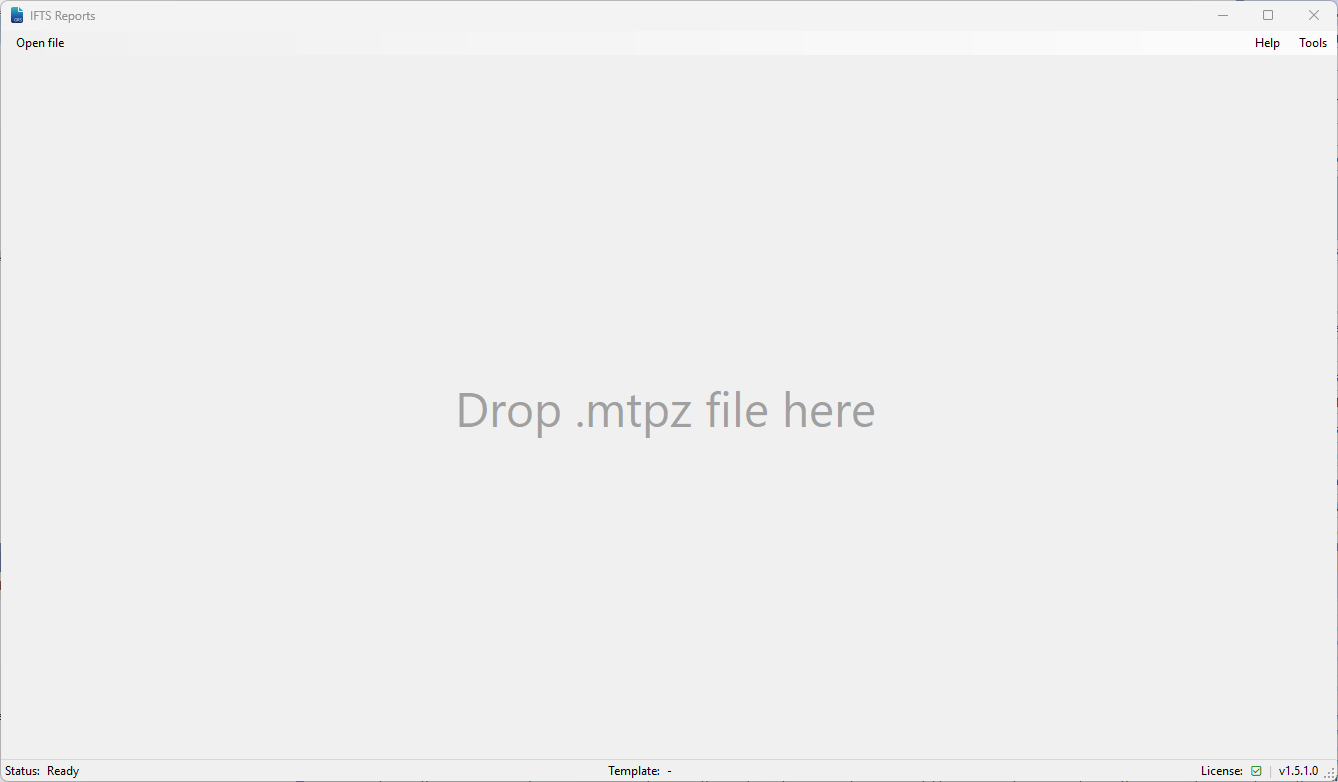
Main Menu Options
Open File
Select a mtpz file to open for processing.
How to use:
- Click the “Open file” button
- Browse to your mtpz file location
- Alternatively, drag and drop the file into the corresponding frame
Generate
Start calculation according to the standard and data of the selected mtpz file.
Process:
- Ensure your mtpz file is loaded
- Complete any required test information
- Click “Generate”
- When prompted select save location and file name
- Output results will be saved as an Excel workbook
Export
Export all test raw data to an Excel workbook.
Note: This performs calculation on counting values only, without full report formatting.
Select Template
For advanced users only
GRS relies on a templating system to output Excel reports. Users can choose specific templates for report generation.
Default behavior: IFTS provides default templates for each managed standard.
Help Menu
Redirect to this documentation site.
Tools Menu
Options
Allows users to configure custom templates and personalize GRS settings.
License
Manage your current software license and view licensing information.